To redeem your voucher online, ensure you are signed in to your online account and enter your voucher barcode in the promo box at the check-out. Please note that as per the terms and conditions of the Loyalty programme, a Voucher can only be redeemed once in a single transaction. No change will be given.
How to create an online loyalty account
When shopping online, you must ensure you have an online loyalty account using the same email address which HR used to create your staff discount card for in-store shopping with.
NB, this is not created at the same time as when an in-store loyalty card is generated, therefore you will need to register your email address the first time you place an online order.
This will then allow you to use a loyalty voucher online and any points for online transactions will be added to your loyalty account (once your order is despatched).
In order to do this, simply click 'register' for an account on libertylondon.com homepage as below
You must use the same email address as when you received your staff discount card.
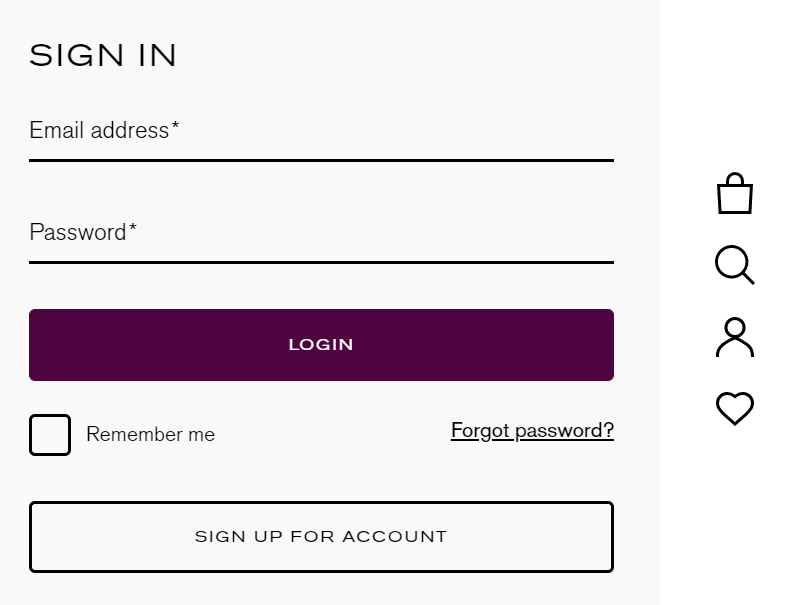
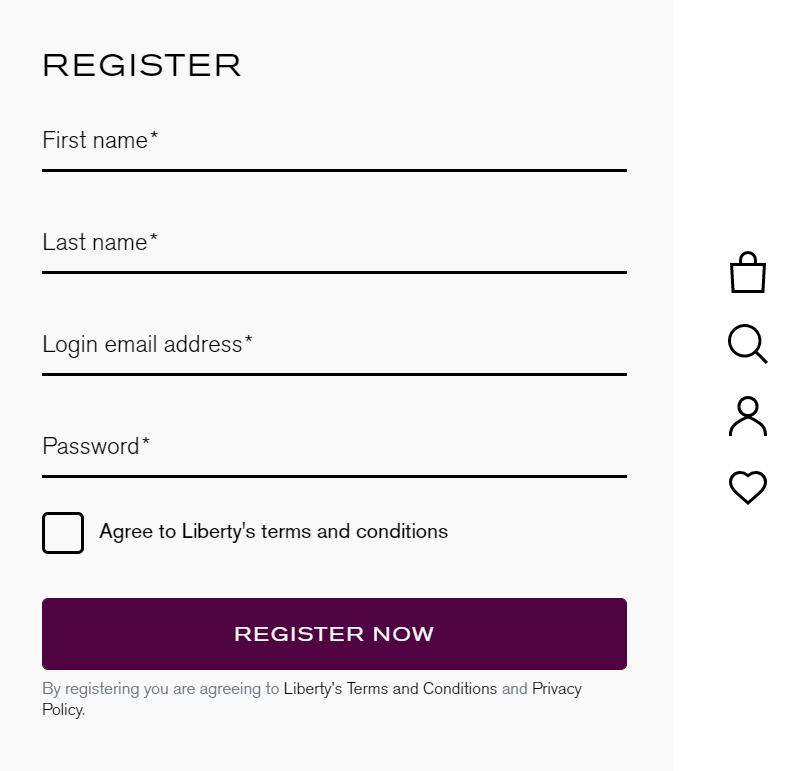
Ensure you are signed in to this account when placing your online order, and you will be able to enter your loyalty voucher code in the promotion box at checkout or in your basket, as below
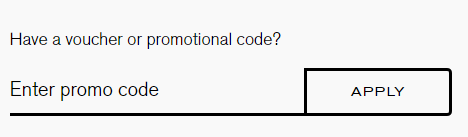
Please note, a voucher can only be redeemed once in a single transaction. No change will be given.
Points for online orders will show on your account up to 72 hours after the order has been despatched.